iOS
iPhone 用戶
用 iPhone 打開 App Store 頁,按商店提示安裝或更新 G10OAL!。

安裝步驟
- 按「開啟 App Store」打開 G10OAL! 商店頁。
- 用 iPhone 嘅 Apple ID 確認可安裝版本。
- 在 App Store 安裝或更新 G10OAL!。
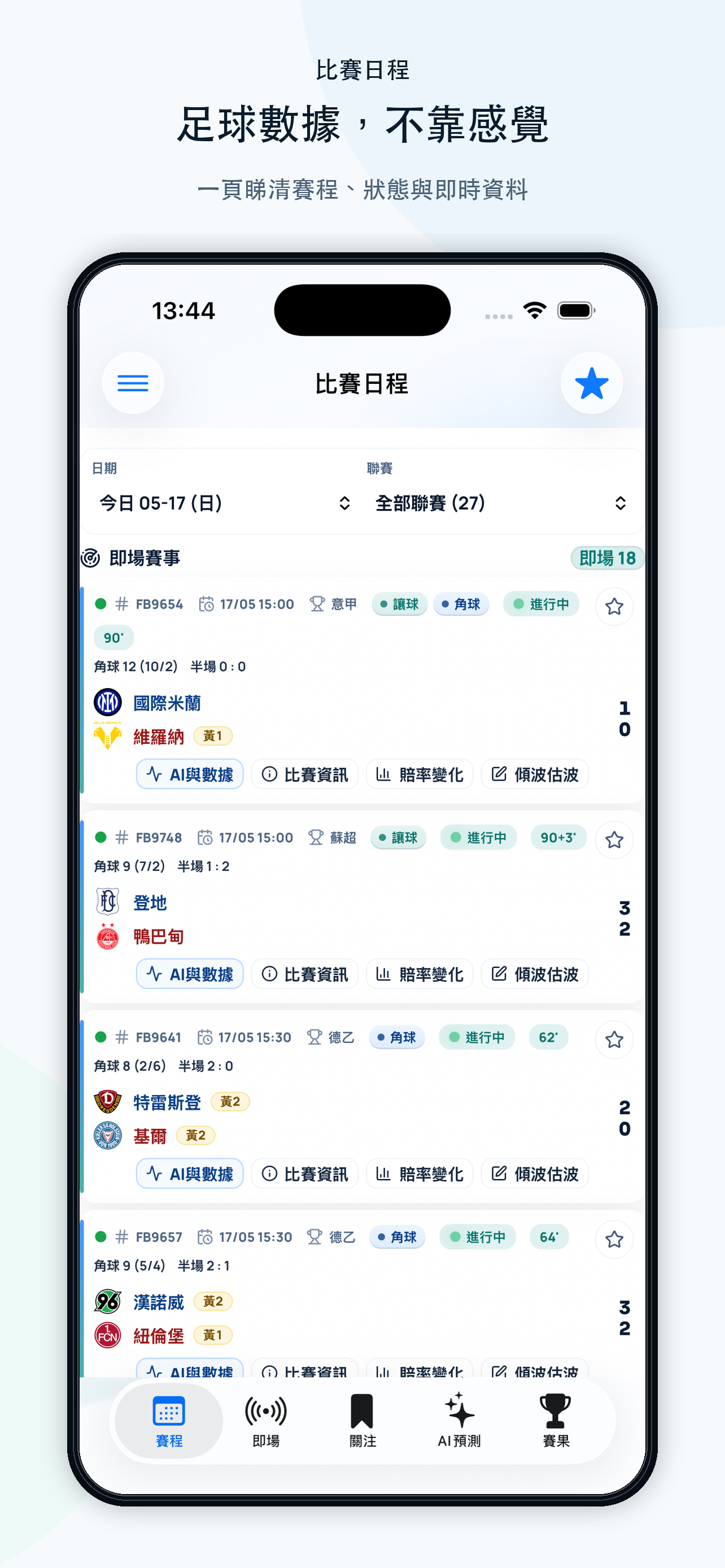
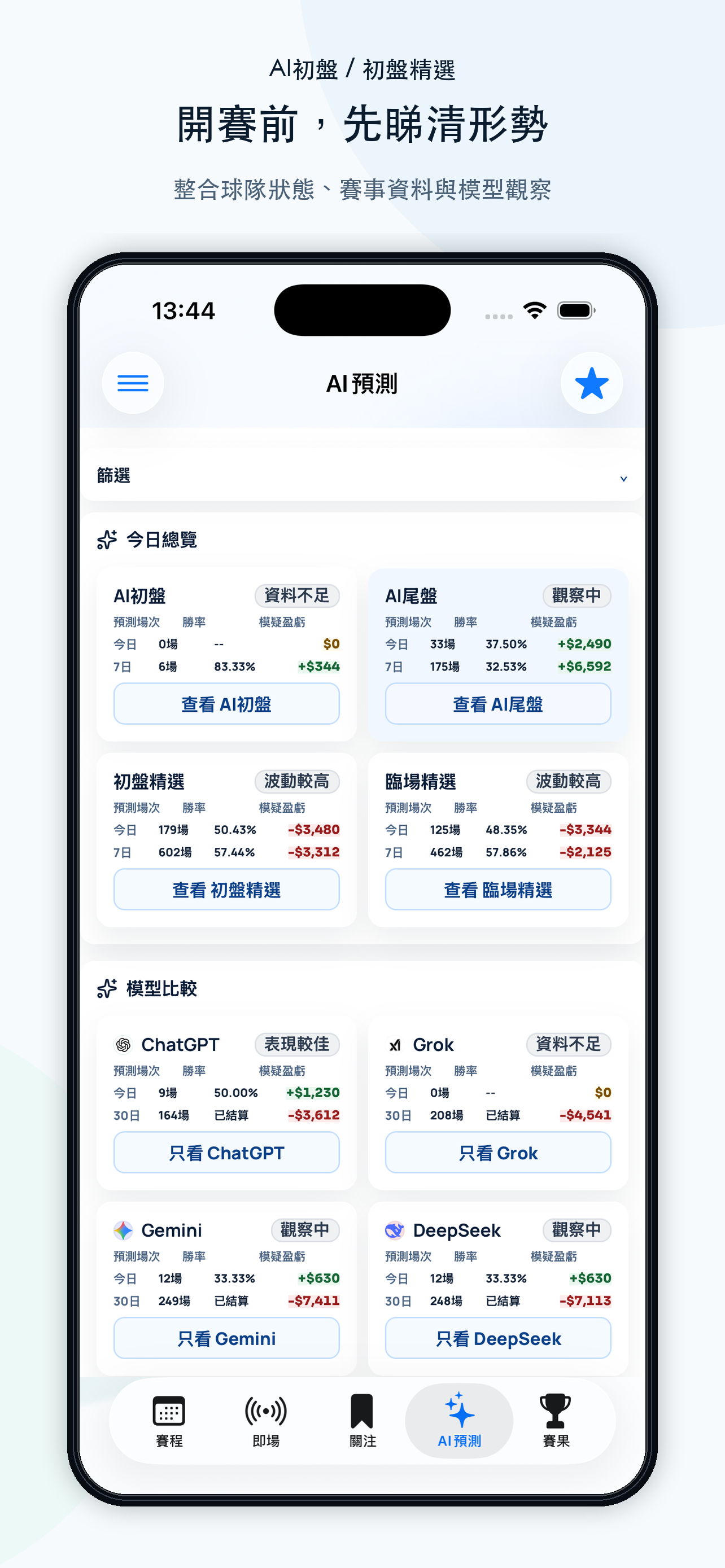
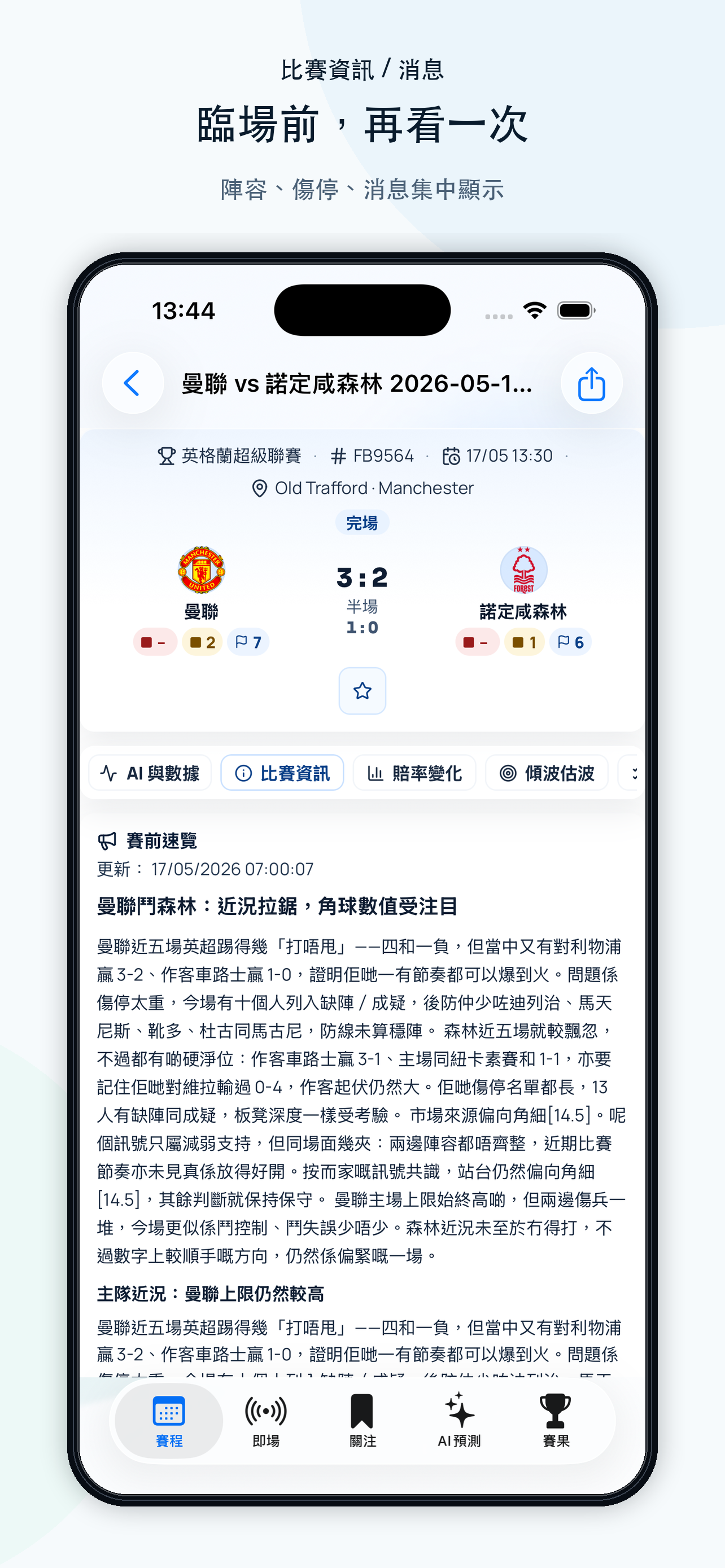
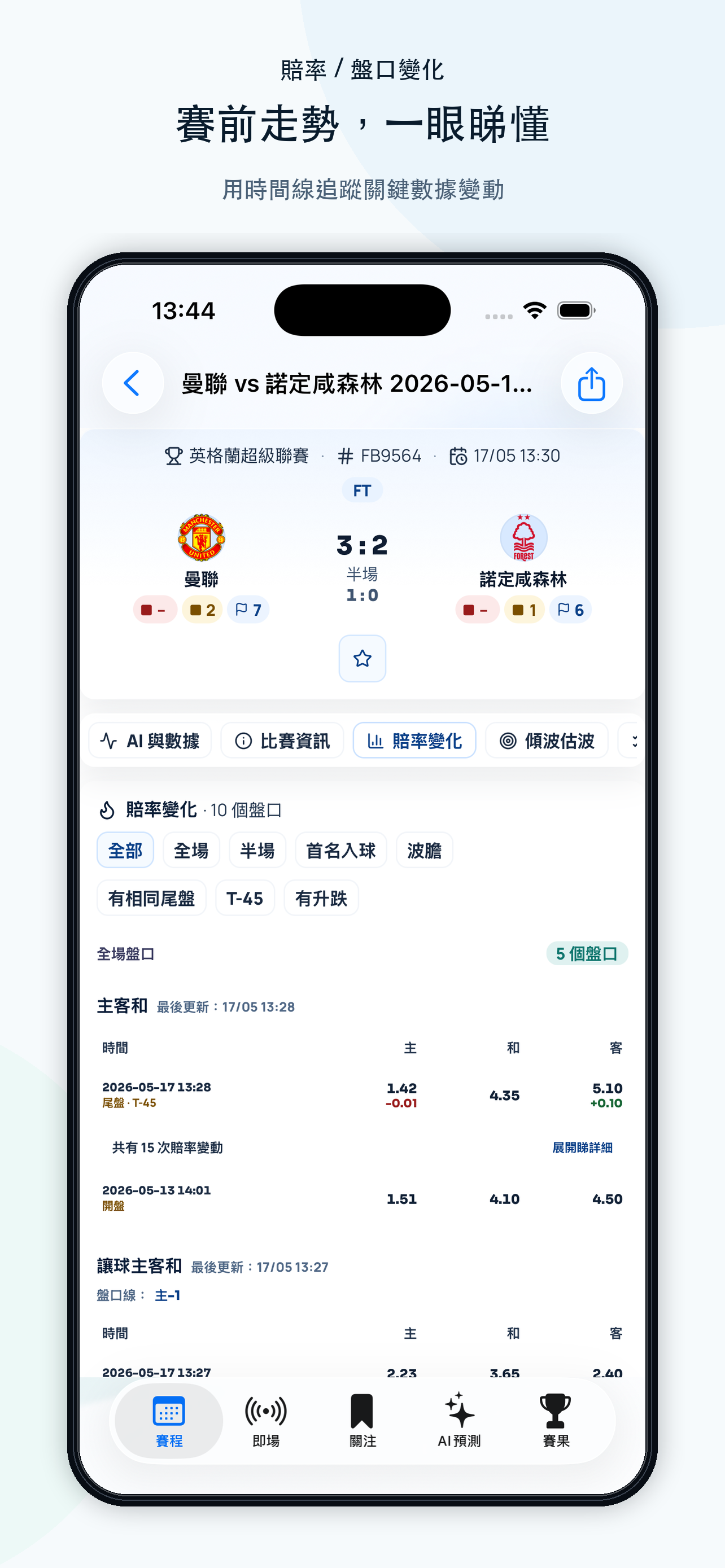
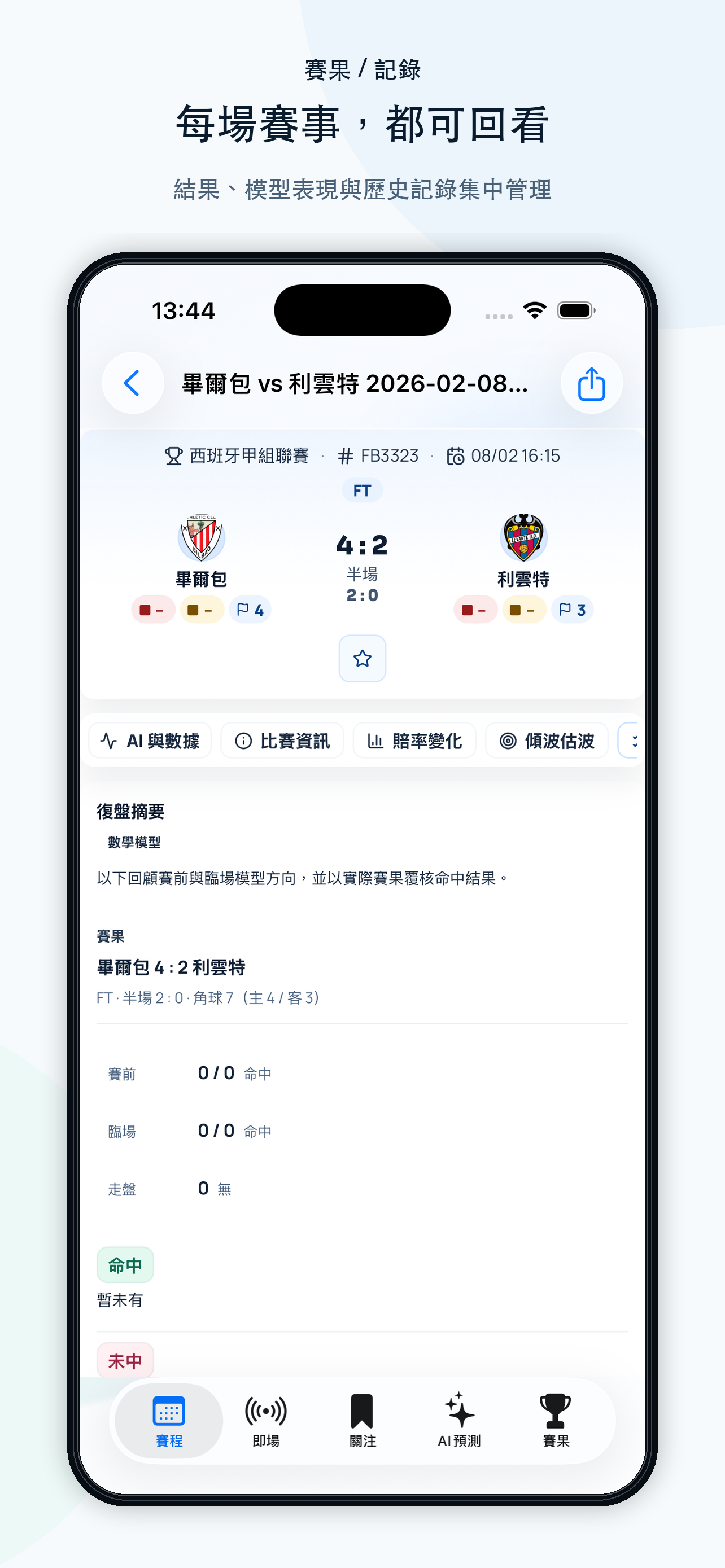
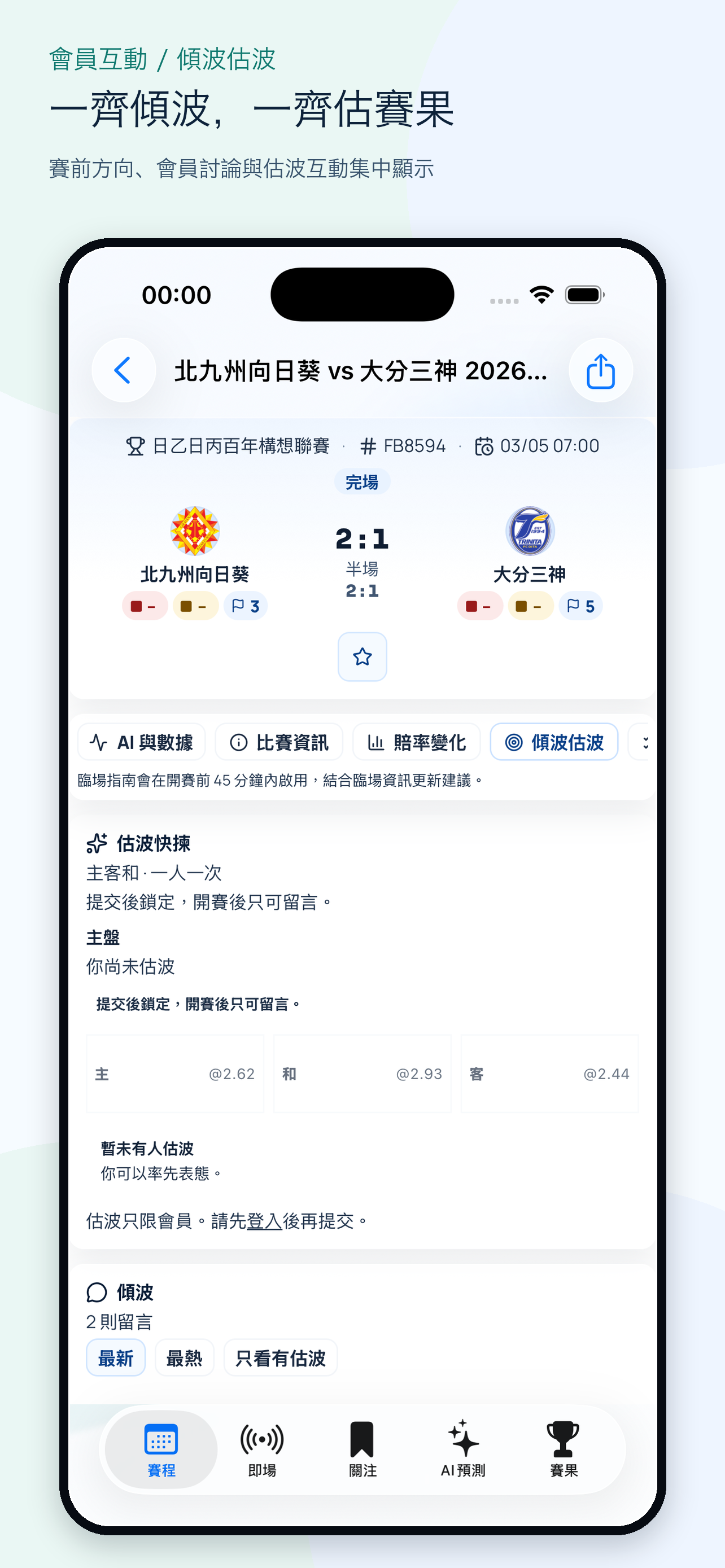
iOS 可由 App Store 安裝;Android 可由 Google Play 安裝。你可以使用 App 檢查賽程、AI精選、賽事資料同估波流程。
iPhone 用戶
用 iPhone 打開 App Store 頁,按商店提示安裝或更新 G10OAL!。
安裝步驟
Android 用戶
用 Android 手機打開 Google Play 商店頁,按商店提示安裝或更新 G10OAL!。

安裝步驟